
Make your energy visible, in 2.5D.
A real-time map of what your home produces, stores, and consumes. It reads your Home Assistant Energy dashboard and plots it over the sun's arc. With or without solar panels.
A real-time map of what your home produces, stores, and consumes. It reads your Home Assistant Energy dashboard and plots it over the sun's arc. With or without solar panels.
The demo below, running on made-up data, lets you try out different looks. On your real card, everything is configurable: the colors, the light or dark theme, the chips, and the groups.
The scene now follows the real weather at your address: sunshine that dims as the clouds build, then rain, snow or a storm, all riding the timeline. The sun even sets behind your own horizon, worked out from the terrain around you. And a new chip reads what your energy is costing you right now, with the outdoor temperature and humidity right beside it.
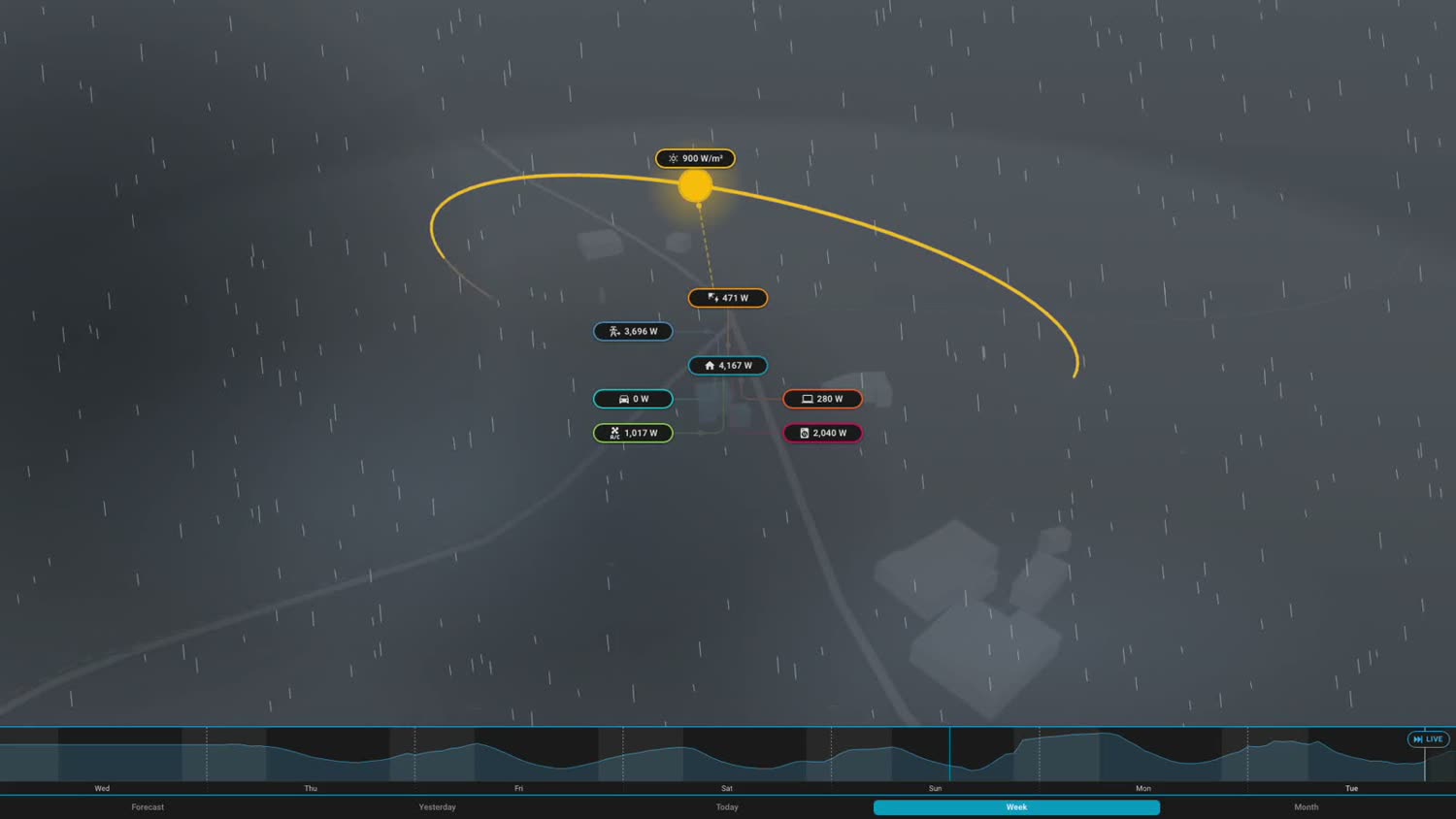
Each badge opens its own detail panel on the first tap. A second tap on that same badge raises its curve around the house, across the whole day: production, a device group, the battery, the grid, each has its own. For production, the forecast extends the recorded past; irradiance, on the other hand, stays one continuous weather-model series across the whole window. One more tap closes it all.
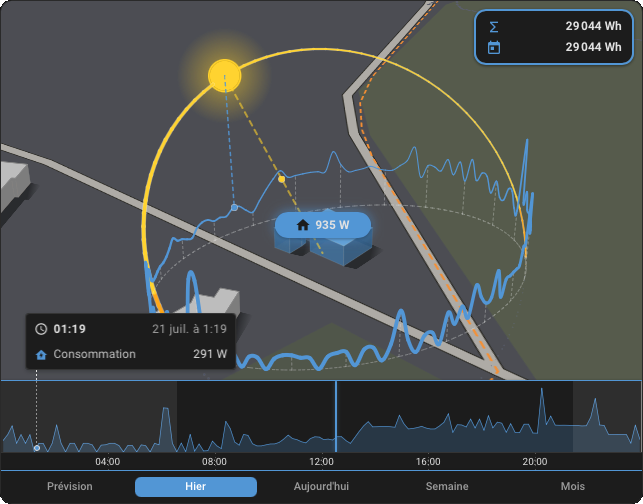
No WebGL, no 3D engine. Helios paints a single flat basemap, tilts it in CSS, then projects each layer on top with its own camera and draws them from farthest to nearest: the painter's algorithm. Light enough to stay smooth on modest or older hardware.
Where a classic 3D render won't run, this one does.
Helios reads the devices from your Energy dashboard and lets you sort them into families: heating, the car, water, appliances, whatever fits your home. Each group gets its own chip, color, and icon around the house, and its own curve in the timeline. Show the ones that matter, hide the rest. In the demo above, the four groups appear, disappear, and change color on every click.
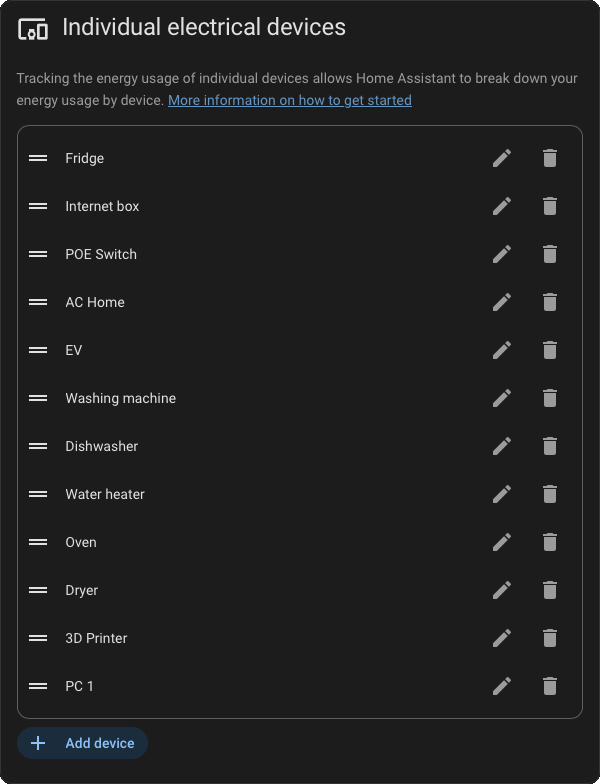
No Helios server, no account. The card reads your own Energy dashboard, draws the neighborhood from OpenFreeMap and the sun from a physical model. The only thing that ever leaves your instance is an approximate location, to fetch the map tiles and the weather from Open-Meteo. Free and open source.
Add Helios through HACS, drop the card on a dashboard, and it wires itself up from your Energy dashboard: solar, grid, battery, and devices. No solar panels? It still maps your home, the grid, and your consumption beautifully.
Stuck on something, got an idea, or want to show off your dashboard? The Helios community lives in GitHub Discussions: a searchable Q&A for help, and a gallery to share your setup.
I'm Jérôme, 44, the developer behind Helios. After years spent across the whole stack, backend, frontend, 3D, games, embedded, I wanted to build something that truly matters to me.
A card won't save the planet, I know. But guilt and numbers nobody reads change no one: we change when we can finally see what's happening in our own home. That's the whole point of Helios: make energy visible, tangible, so that acting stops being a chore and becomes the obvious thing to do.
Helios is free and open source, built by a single person, in full transparency.
Helios is an independent community project. It is not created or endorsed by, nor affiliated with, the Open Home Foundation or Home Assistant. Home Assistant and the Home Assistant logo are trademarks of the Open Home Foundation.
ReikanYsora - Jérôme CREMOUX - 2026
